
Still cleaning out my computer.Harvest Papers #8.


 And here the the Harvest Papers, that will be it on the Harvest stuff for awhile. Also, I forgot to put the ribbons into the My Buddy Blake.Harvest Papers #6.

 So I started looking through my files, and think that I can put together some Halloween things together. So we'll start on that next. And we'll keep working on the lessons, so that it'll make it easier to put together the pages that you want in shorter periods of time. And I put together another Element set. So if you would like these download the Harvest Embellishment #3 here. I really think these would make good heritage papers and would be just fine for girls also.
 So here's some more of the embellishments that match the Harvest Papers. Harvest Embellishments #2 here.
 And here are another set of Harvest Papers. Now the Photoshop lessons are going to move on to using the templates because you can do so much more with all your papers. It's not hard. If something doesn't seem quite clear in any of the previous lessons, than leave a note and I'll try to include it. As always as I have time. You can download the Harvest Papers #3
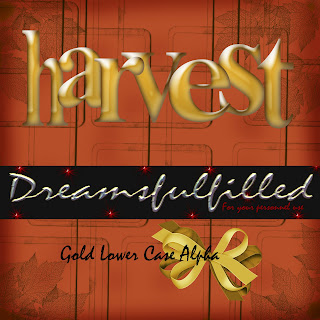 Here is an alphabet that I thought would go well with the Harvest Papers. Harvest Alpha's here, all lower case. And it's my youngest birthday and probably old enough that, that shouldn't be revealed, so HAPPY BIRTHDAY BABY.

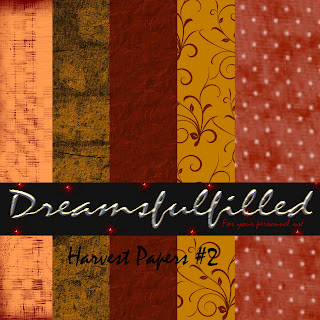 So here's the second set of papers and I have the an embellishment kit next. I don't always put all the embellishments in the preview, I guess because I'm not selling them, so if there's one in a preview, than it probably includes at least one in all the other colors that I used. Enjoy. Harvest Papers #2.

